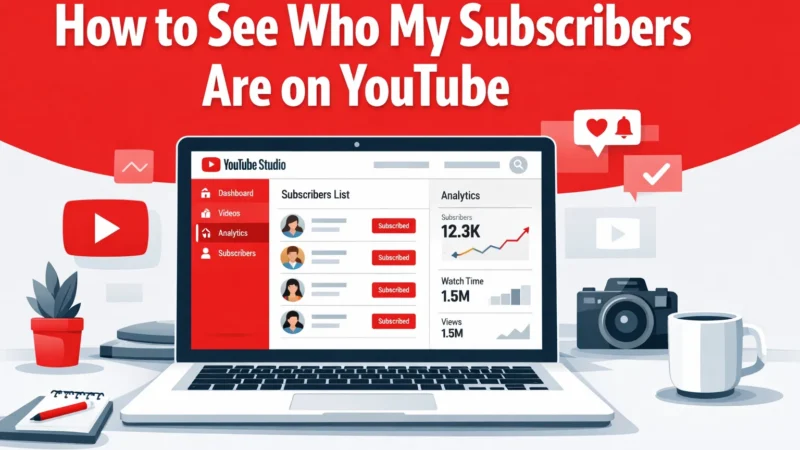
Understanding who subscribes to your YouTube channel can help you better connect with your audience and improve your content strategy.
YouTube provides tools inside YouTube Studio that allow creators to see a list of recent subscribers and analyze subscriber growth.
In this guide, you’ll learn exactly how to see who your subscribers are on YouTube.
Quick Answer
To see your YouTube subscribers:
-
Open YouTube Studio
-
Go to Dashboard
-
Find the Recent Subscribers card
-
Click See All
-
View users who subscribed publicly
Note: You can only see subscribers who keep their subscriptions public.
Step-by-Step: How to See Your Subscribers on YouTube
Follow these steps to check your subscribers.
Step 1: Open YouTube Studio
Go to: studio.youtube.com
Log in with your YouTube account.
Step 2: Go to Dashboard
Once inside YouTube Studio, you will see the main dashboard.
The dashboard displays channel analytics, performance data, and subscriber information.
Step 3: Find the Recent Subscribers Section
Scroll down until you see the Recent Subscribers section.
This area shows the most recent people who subscribed to your channel.
Step 4: Click “See All”
Click See All to view a larger list of subscribers.
YouTube will show:
-
Subscriber usernames
-
Channel icons
-
Subscription dates
Why You Cannot See All Subscribers
YouTube only shows subscribers who keep their subscriptions public.
If someone hides their subscriptions, their name will not appear in your subscriber list.
Here is how subscriber visibility works:
|
Subscriber Setting |
Can You See Them? |
|---|---|
|
Public subscription |
Yes |
|
Private subscription |
No |
This is a privacy feature controlled by the viewer.
How Subscriber Data Helps Creators
Tracking your subscribers helps you understand:
-
Who your audience is
-
Which content attracts subscribers
-
How your channel is growing
Creators often analyze subscriber behavior to improve their content strategy and grow their audience faster.
Many growing channels also focus on strategies to increase youtube subscribers so their channel appears more credible and attracts additional organic viewers.
Other Ways to Analyze Your Subscribers
Besides viewing subscriber names, YouTube Studio also provides detailed analytics.
You can check:
-
Subscriber growth over time
-
Audience demographics
-
Returning viewers
-
Watch time trends
These insights help creators understand what content performs best.
YouTube Subscriber Growth Tips
To grow your channel consistently:
Post Content Regularly
Consistency helps YouTube recommend your content.
Create Value for Viewers
Educational, entertaining, or informative videos attract subscribers.
Use Strong Thumbnails
Eye-catching thumbnails improve click-through rates.
Ask Viewers to Subscribe
Many creators simply forget to ask viewers to subscribe.